ZeroSSL Certificate
Every Zeet manage Project receives automatic free HTTPS certificate provided by Let's Encrypt
ZeroSSL can be used if you have advanced requirements like these
Longer certificate expiration time (> 30 days)
High volume certificate issuing
Multiple Wildcard Certificates
Enterprise SLA Requirement
You can use Zeet's first party integration to obtain certificates from ZeroSSL
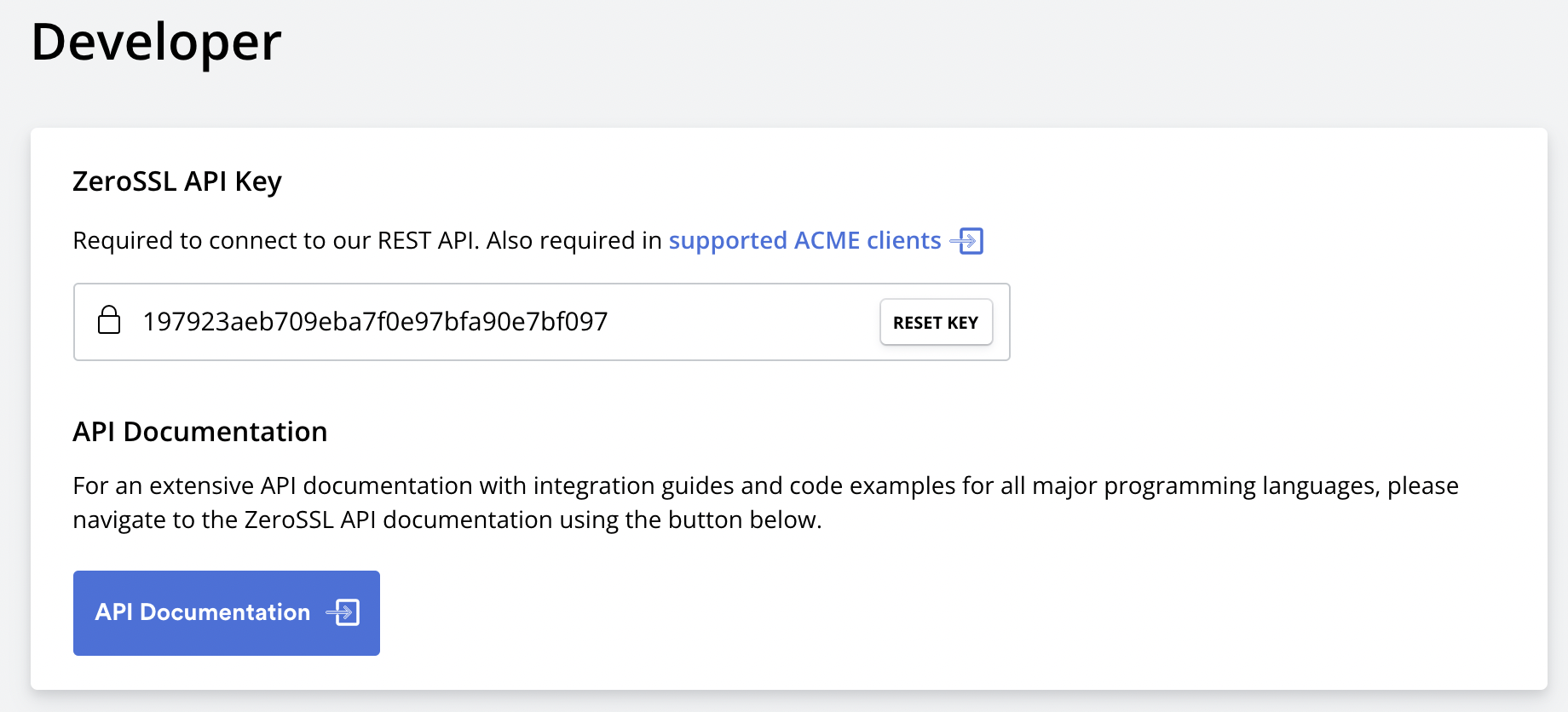
1. Obtain ZeroSSL API Key
Navigate to your ZeroSSL Developer settings
https://Project.zerossl.com/developer
2. Select ZeroSSL as your certificate issuer on Zeet
Navigate to Advanced Networking section of your Project config
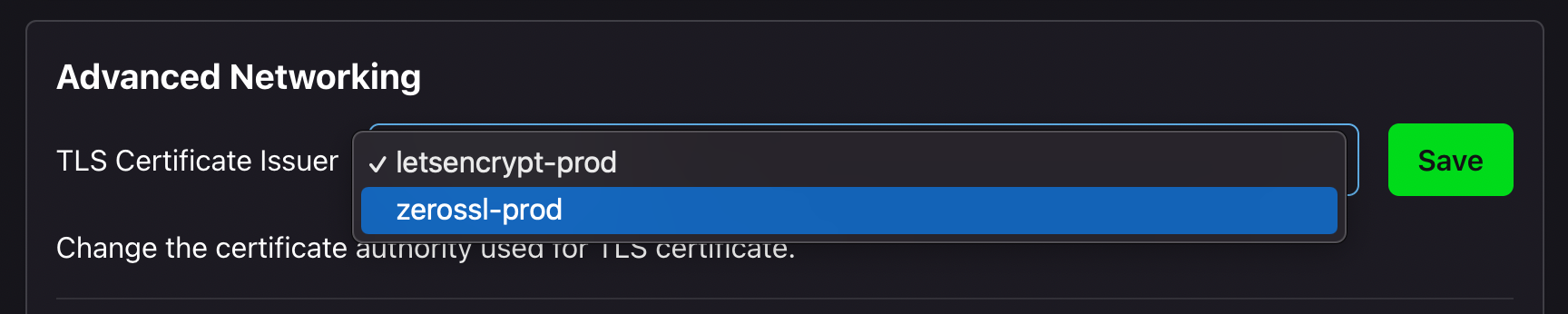
Select zerossl-prod as the certificate issuer.
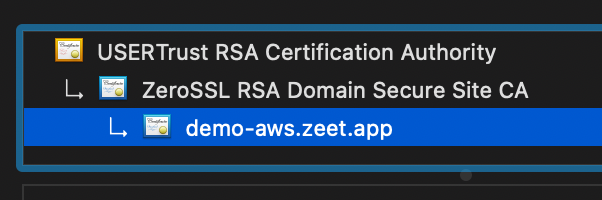
After redeploying your Project you should see ZeroSSL issued certificate on the Project endpoint
3. Select Your ZeroSSL Plan
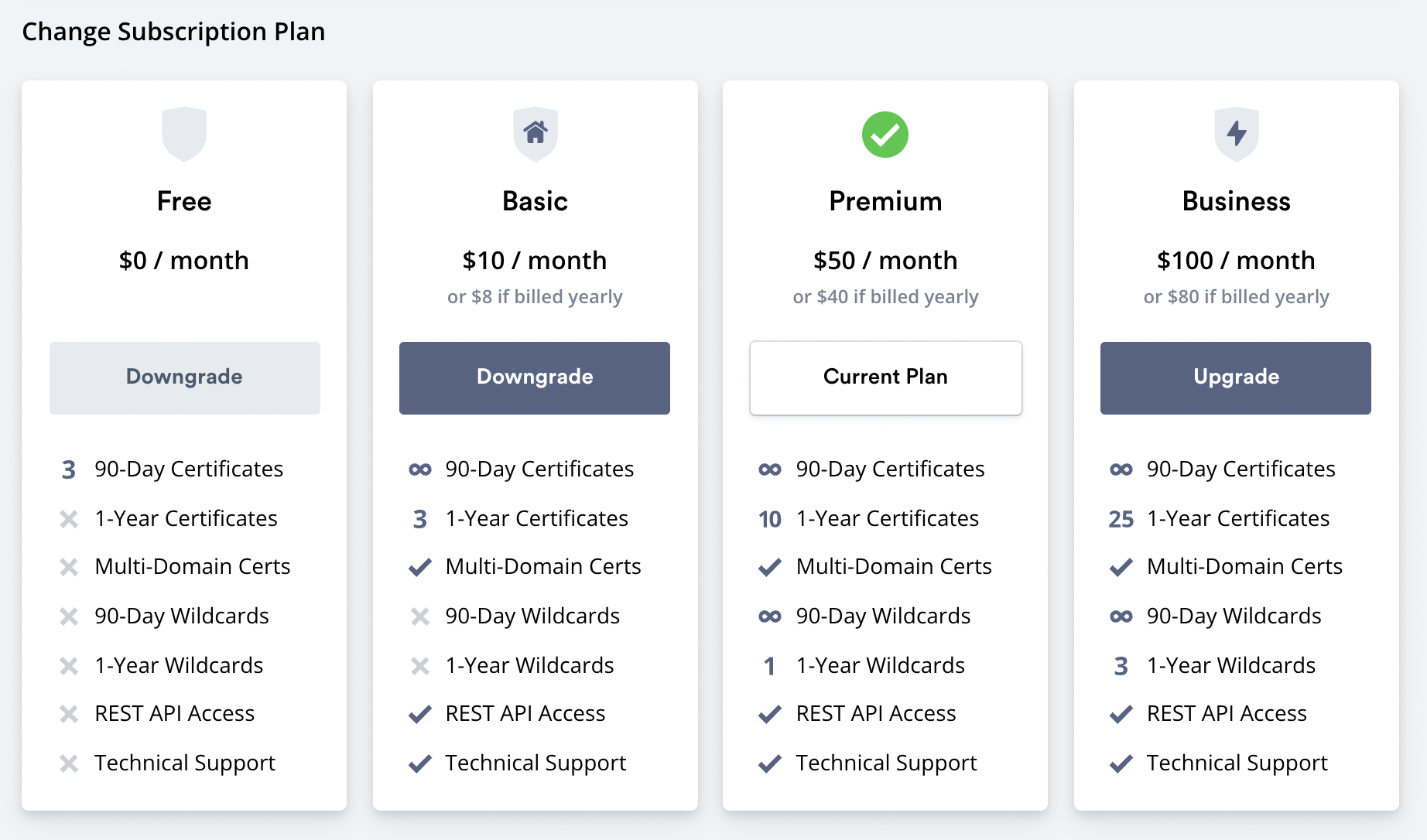
Different ZeroSSL plan provides different level of feature sets.
For example, in order to use wildcard certificates you have to select the Premium plan.