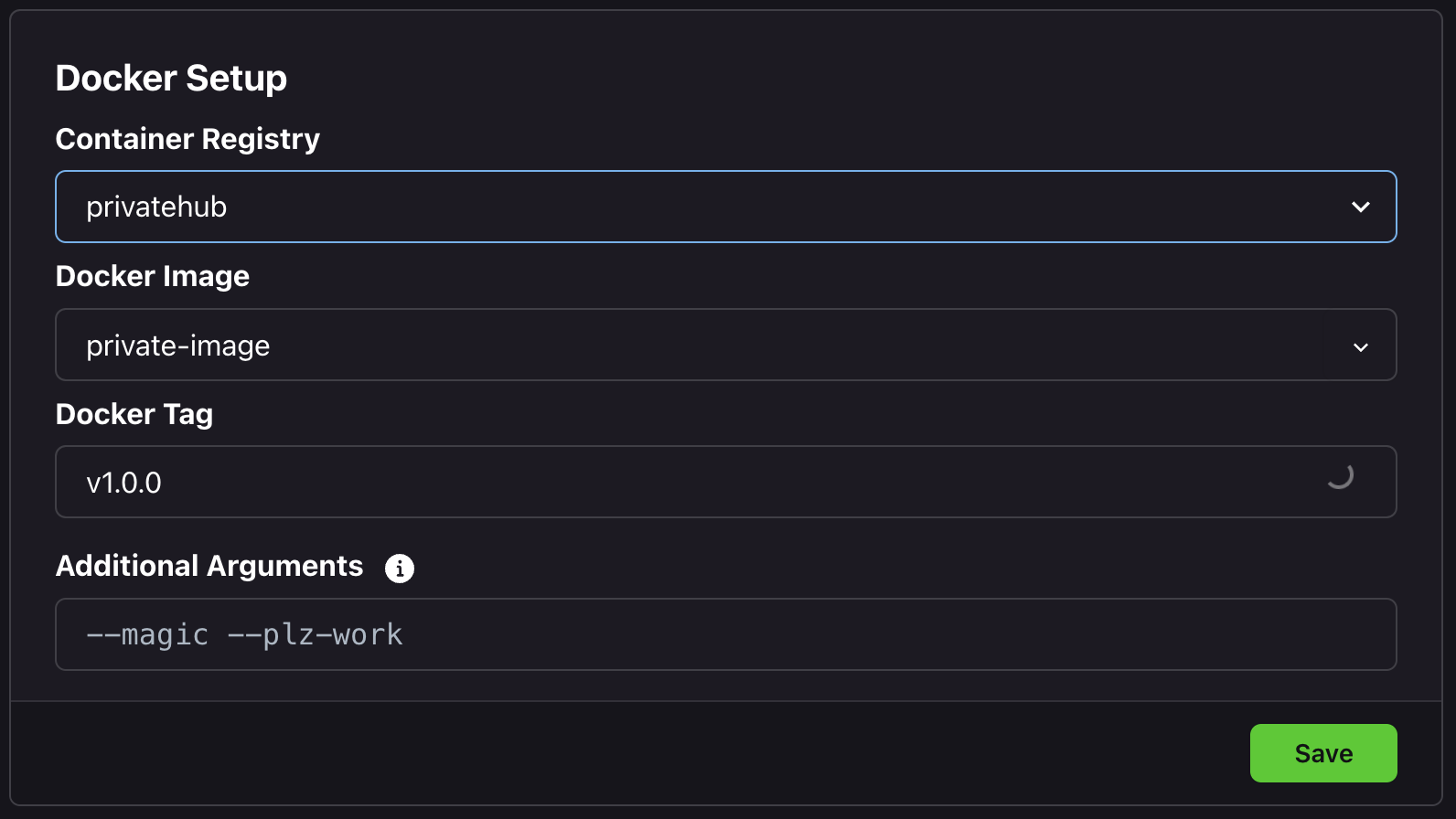
DockerHub Registry
Add a DockerHub registry integration to Zeet.
DockerHub registry integration can be used to
Store the build output of your GitHub apps
Deploy private container images to your cluster
Increase the rate limit for pulling dockerhub library images (e.g. ubuntu, nodejs, python)
1. Create DockerHub Credentials
Navigate to docker settings page. https://hub.docker.com/settings/security
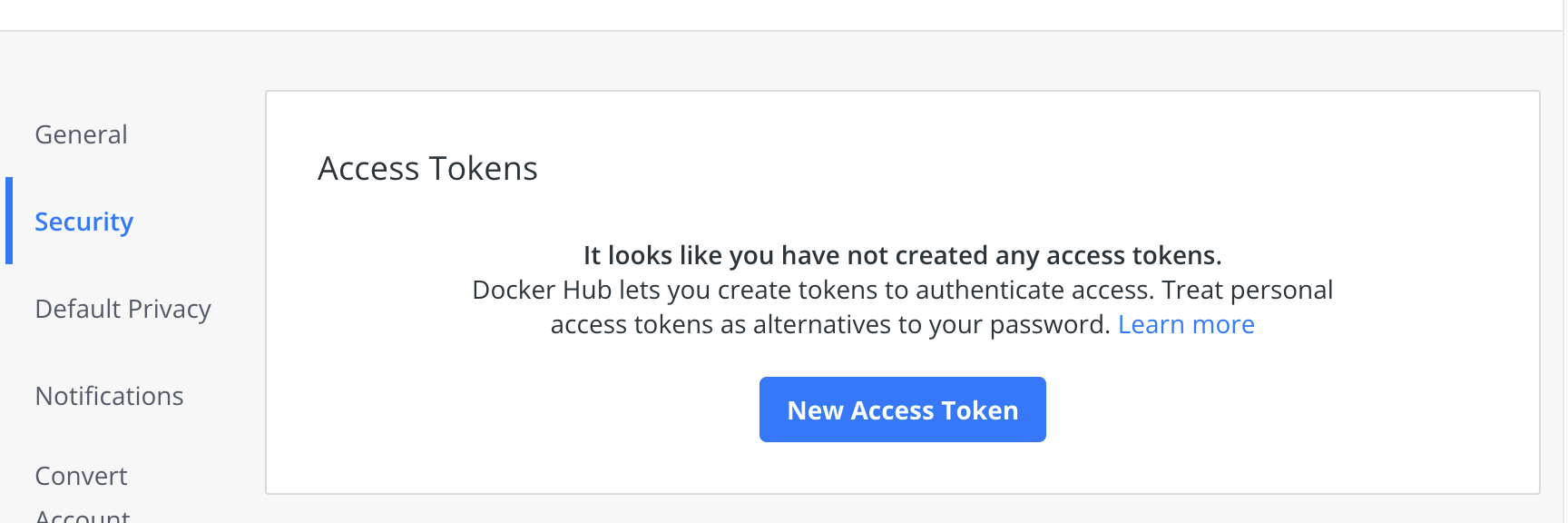
Create a new access token
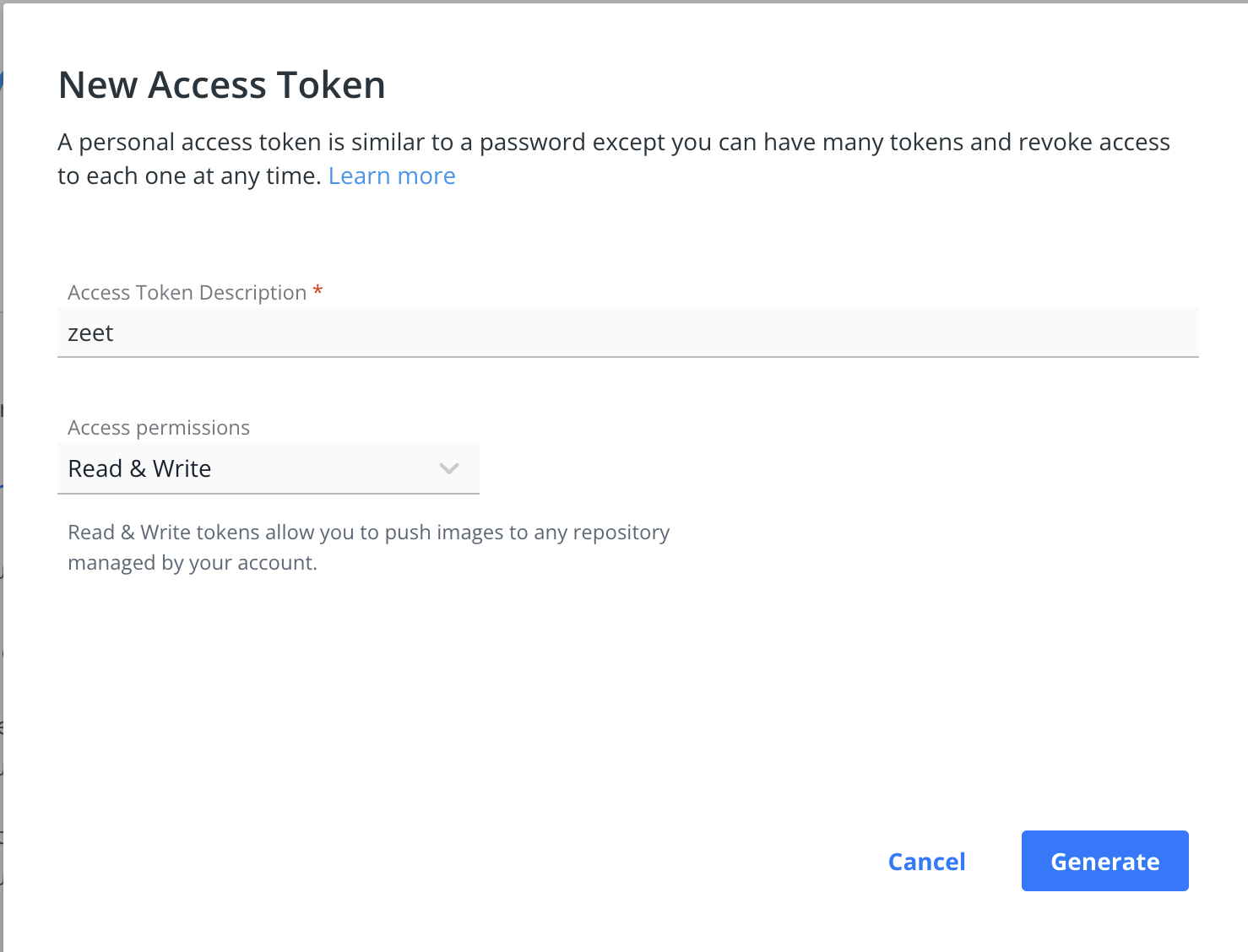
Copy the access token

2. Connect DockerHub Registry with Zeet
Navigate to Zeet settings http://zeet.co/account/container-registries
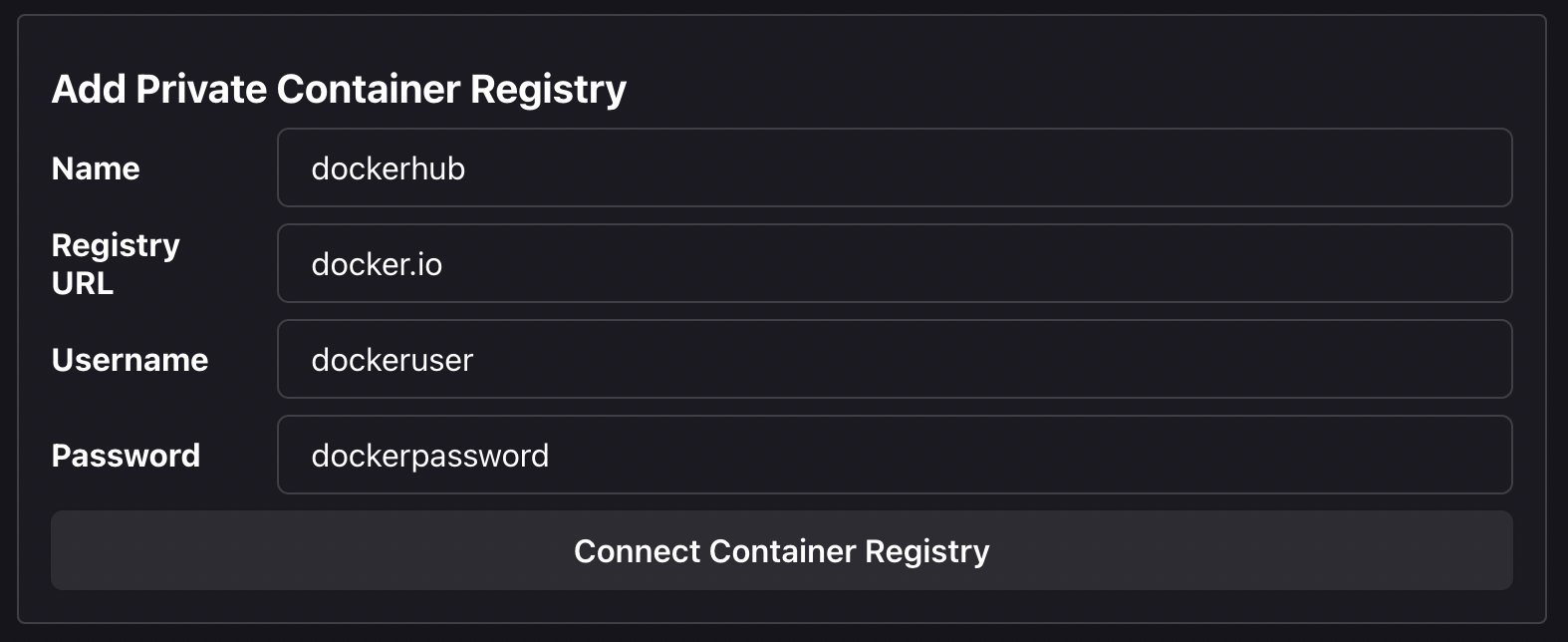
Name is used to identify the registry
Use
docker.ioas the registry url for DockerHubUsername will be you DockerHub Username.
Paste the access token from the previous step as the password
3. Use DockerHub to store build artifacts
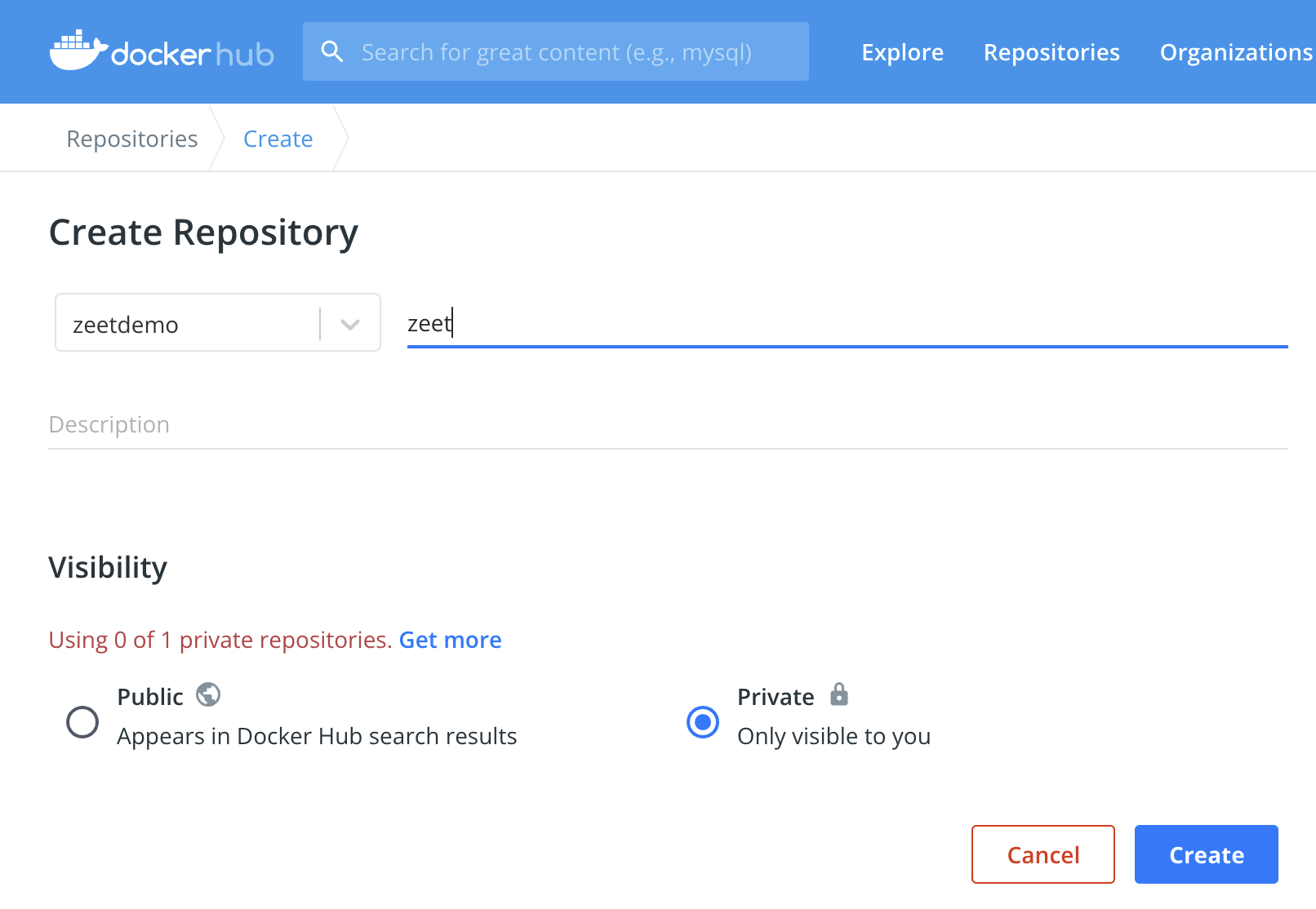
Create a new repository
Navigate to https://hub.docker.com/repository/create
Attach the container repository to your Zeet cluster
Navigate to http://zeet.co/account/clusters

Put in the repository name from the previous step

Now you are ready to build and deploy GitHub apps to your Zeet cluster.
4. Deploy Private Container Images
In your Zeet project settings, select the private registry credentials from the DockerHub registry integration